ColdFusion 9.0.1 Update Now Available
Adobe released update for ColdFusion 9 yesterday. I have installed the update on my server running Windows Server 2008 with IIS 7.
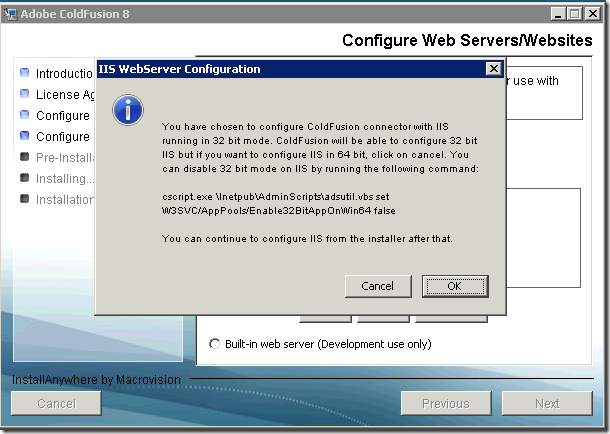
This update now supports running ColdFusion with IIS7 without installing IIS6 Metabase Compatibility. Finally! IIS7 is almost 4 years old!
Download the update from: http://www.adobe.com/support/coldfusion/downloads_updates.html#cf9
Note: If you are running IIS7 with IIS6 Metabase Compatibility, then you'll have to remove IIS6 MC and that will require a restart of the server.
This update is recommended as it includes many bug-fixes and security hot-fixes.
This update now supports running ColdFusion with IIS7 without installing IIS6 Metabase Compatibility. Finally! IIS7 is almost 4 years old!
Download the update from: http://www.adobe.com/support/coldfusion/downloads_updates.html#cf9
Note: If you are running IIS7 with IIS6 Metabase Compatibility, then you'll have to remove IIS6 MC and that will require a restart of the server.
This update is recommended as it includes many bug-fixes and security hot-fixes.